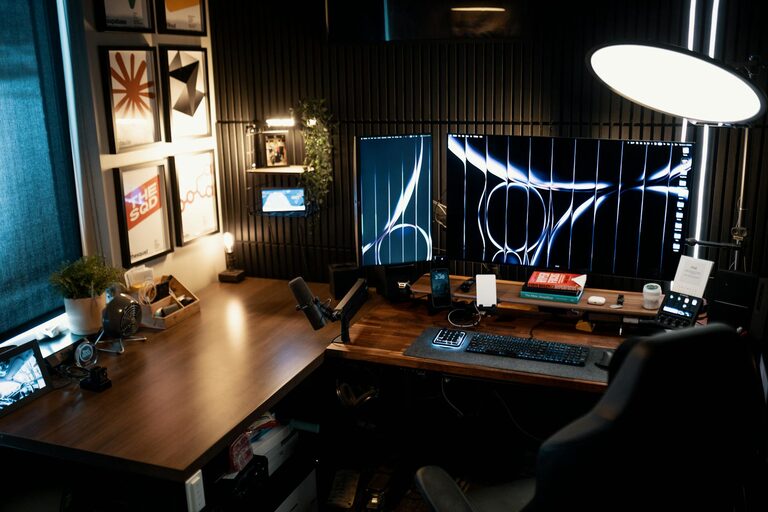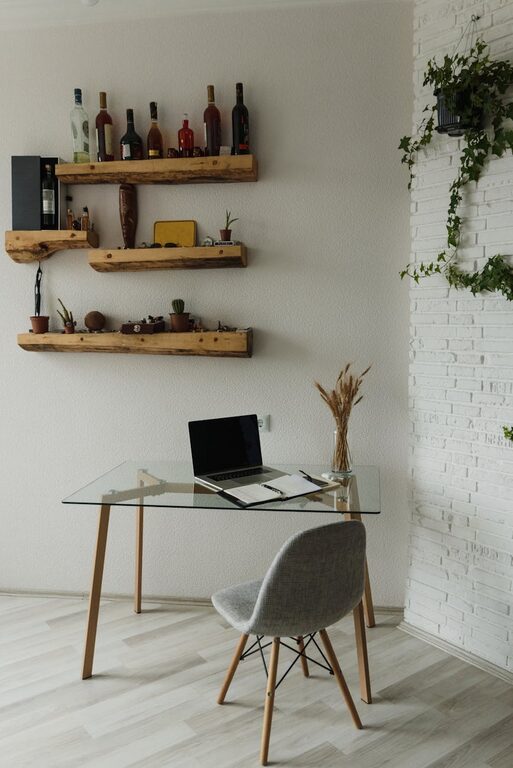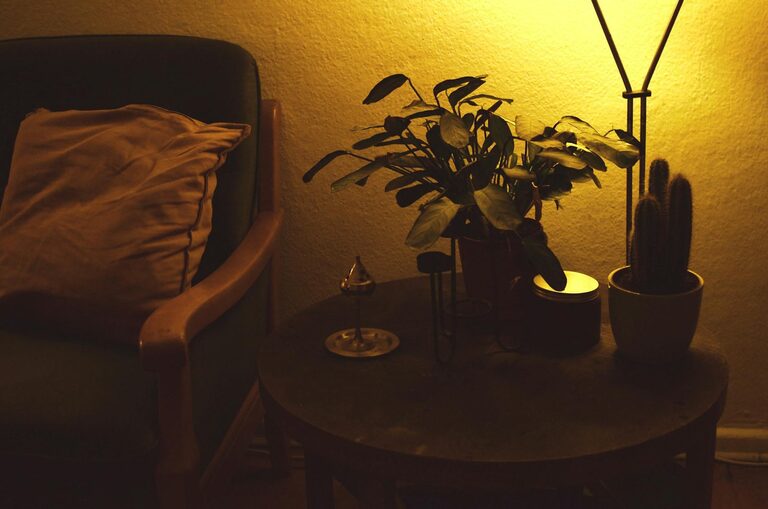
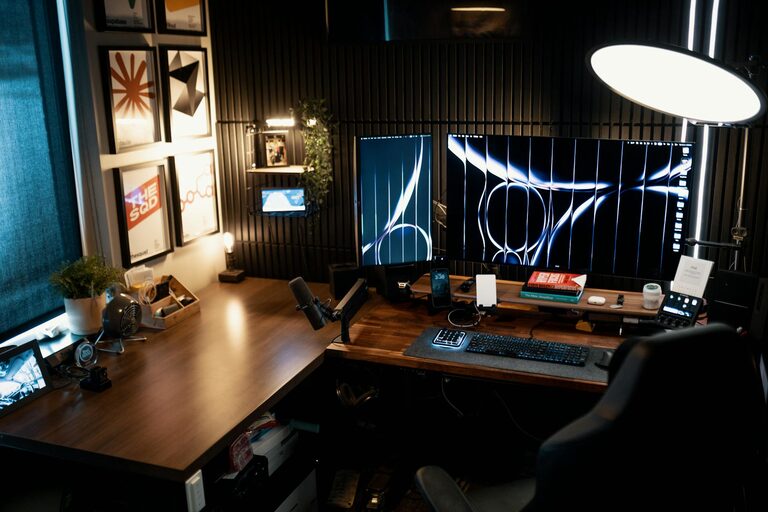
Creating a home workspace that feels both cozy and productive can greatly enhance your ability to work efficiently from home. Whether you work remotely full-time or occasionally need a dedicated spot for projects and planning, a well-designed workspace can improve focus, reduce stress, and make your workday more enjoyable. In this post, we’ll explore practical tips to help you create a home office environment that balances comfort and productivity.
Choose the Right Location
The foundation of a comfortable and productive workspace starts with where you set it up.
– Find a quiet spot: Select a place away from high-traffic areas, noisy appliances, or distractions. This can be a spare room, a corner of a bedroom, or even a section of the living room.
– Consider natural light: Workspace near a window benefits from daylight, which can improve mood and energy levels. Position your desk to avoid screen glare.
– Ensure good ventilation: Fresh air keeps you alert and comfortable during long work sessions.
Invest in Ergonomic Furniture
Comfort is key for productivity. Poor posture can lead to discomfort or pain, cutting into your focus and efficiency.
– Ergonomic chair: Choose a chair with adjustable height, good lumbar support, and sufficient padding.
– Desk height: Ensure your desk allows your elbows to rest at a right angle and your feet to lie flat on the floor.
– Monitor placement: Position your computer screen at eye level about 20-30 inches from your face to reduce strain on your neck and eyes.
Organize and Declutter
A tidy workspace helps clear your mind and boosts productivity.
– Use storage solutions: Baskets, shelves, and drawer organizers keep supplies and documents neat and accessible.
– Limit items on your desk: Keep only essentials like your computer, notepad, and a few personal touches on your desktop.
– Cable management: Use clips or sleeves to reduce tangled wires and keep your space looking clean.
Add Cozy Elements
Comfort doesn’t just come from furniture but also from the environment around you.
– Soft textiles: A cozy rug underfoot or a soft throw blanket can make your space inviting.
– Pillows and cushions: These provide extra support and warmth if you like to take short breaks at your desk.
– Plants: Indoor greenery improves air quality and adds a calming presence.
Personalize Without Overdoing It
Incorporate personal items to make your workspace feel like yours — but don’t let clutter take over.
– Photos and artwork: Display a few favorite pictures or inspiring prints.
– Color schemes: Use calming or motivating colors through accessories like mugs, pens, or wall art.
– Scent: Candles or essential oil diffusers with light scents like lavender or citrus can boost mood without being overpowering.
Prioritize Lighting
Good lighting reduces eye strain and keeps you alert.
– Task lighting: A desk lamp with adjustable brightness helps focus light where you need it during detailed work.
– Ambient lighting: Balance natural light with overhead or floor lamps to avoid harsh shadows.
– Avoid glare: Use curtains or blinds to soften sunlight when necessary.
Manage Noise Levels
Silence is golden, but not always possible. Find ways to create a comfortable noise environment.
– Noise-canceling headphones: Great for blocking distractions or listening to focus-enhancing music.
– Background sounds: Some people find white noise machines or nature sounds help concentration.
– Soundproofing: Adding rugs, curtains, and soft furnishings can help reduce echo and absorb noise.
Establish a Routine and Boundaries
Your workspace is your work zone—help your mind associate it with productivity.
– Set work hours: Avoid blur between personal and professional time by sticking to a schedule.
– Take breaks: Step away regularly to stretch and refresh.
– Keep work materials in the workspace: Avoid working in bed or on the couch to maintain separation between work and relaxation.
Use Technology Wisely
The right tech setup makes tasks easier, but too many gadgets can cause distraction.
– Essential devices: Invest in a reliable computer, fast internet, and necessary accessories like an external keyboard or mouse.
– Organize digital files: Keep your desktop and folders tidy to streamline your workflow.
– Limit notifications: Turn off non-essential alerts during work hours to minimize interruptions.
Maintain Your Workspace Regularly
A space that stays neat and comfortable requires ongoing care.
– Daily tidying: Spend a few minutes at the end of each workday organizing your desk.
– Weekly deep clean: Dust surfaces, vacuum or sweep floors, and clean your equipment.
– Evaluate and adjust: Periodically reassess your workspace setup and make changes as your needs evolve.
—
Creating a home workspace that feels both welcoming and efficient is achievable with thoughtful planning and simple changes. When your environment supports your work style and comfort, you’re more likely to stay motivated and productive. Use these tips to build a space where you enjoy spending your workdays—and that helps you do your best work.